Remote TestKit Integration Guideline
Remote TestKit (RTK) Integration Guideline
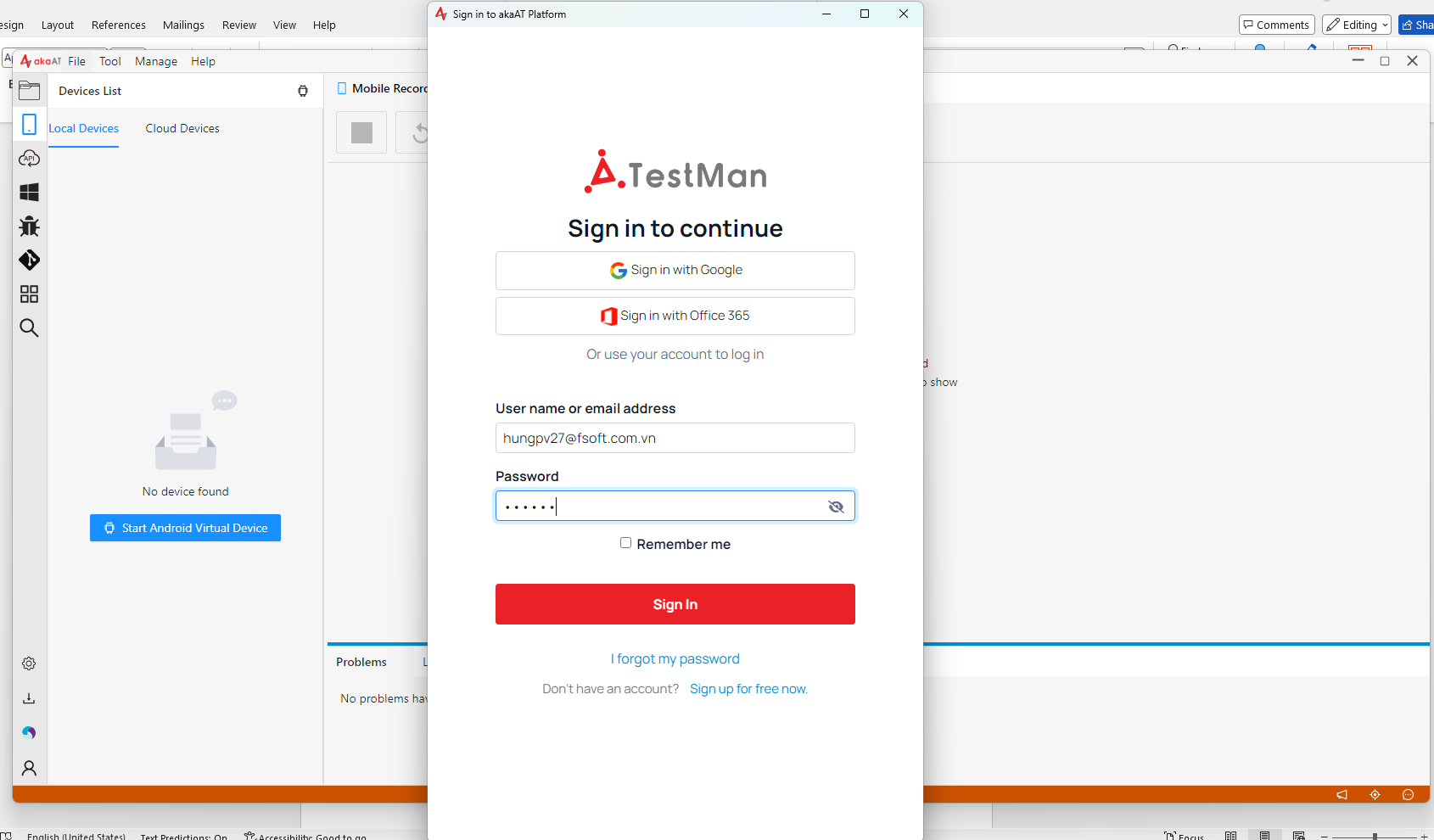
- 1. Login into akaAT using your provided account:
- 2. After logging in successfully, your account should be looking like this.
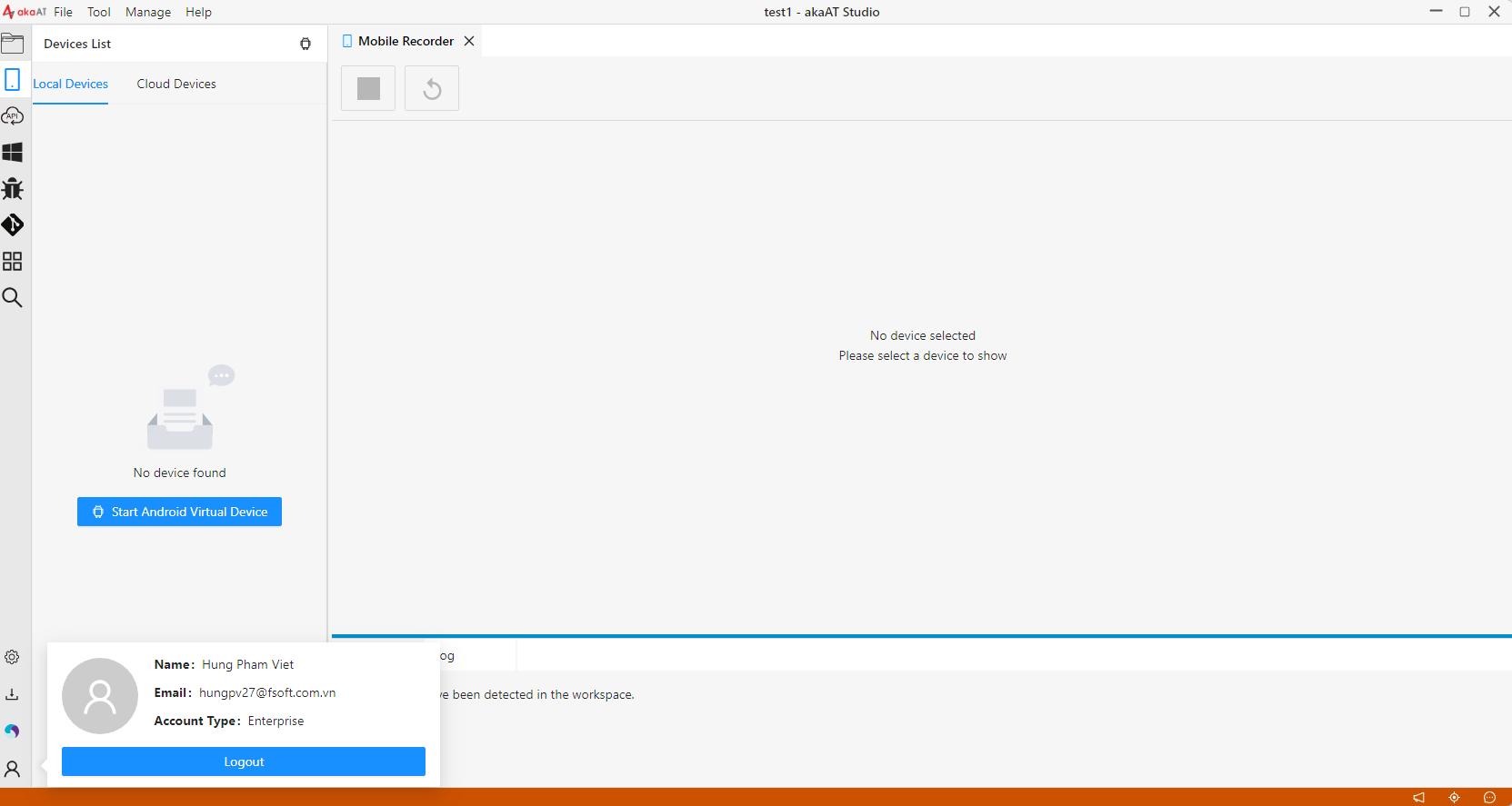
Enterprise account is configured from our end to deliver RTK token using safety protocol.
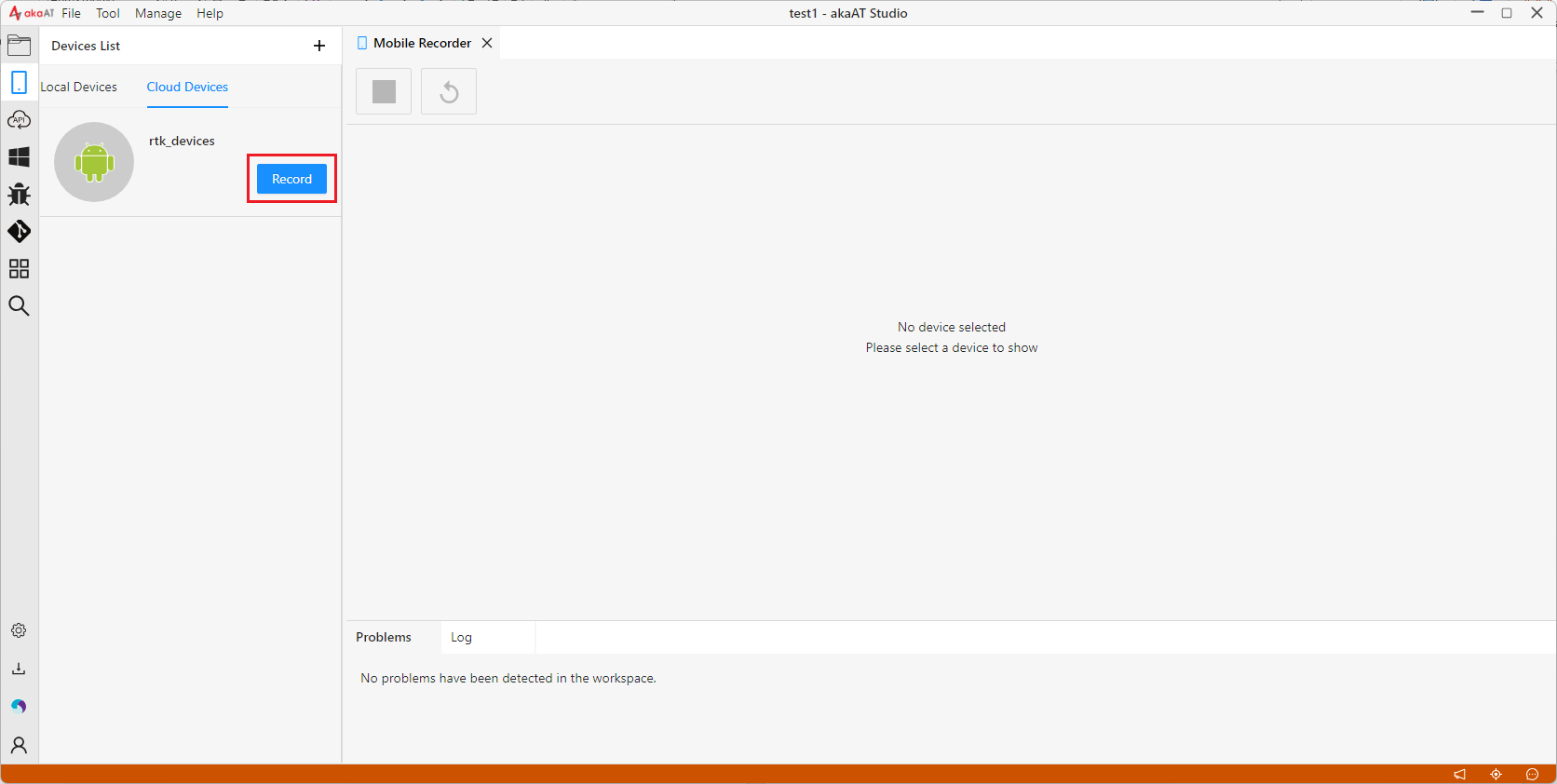
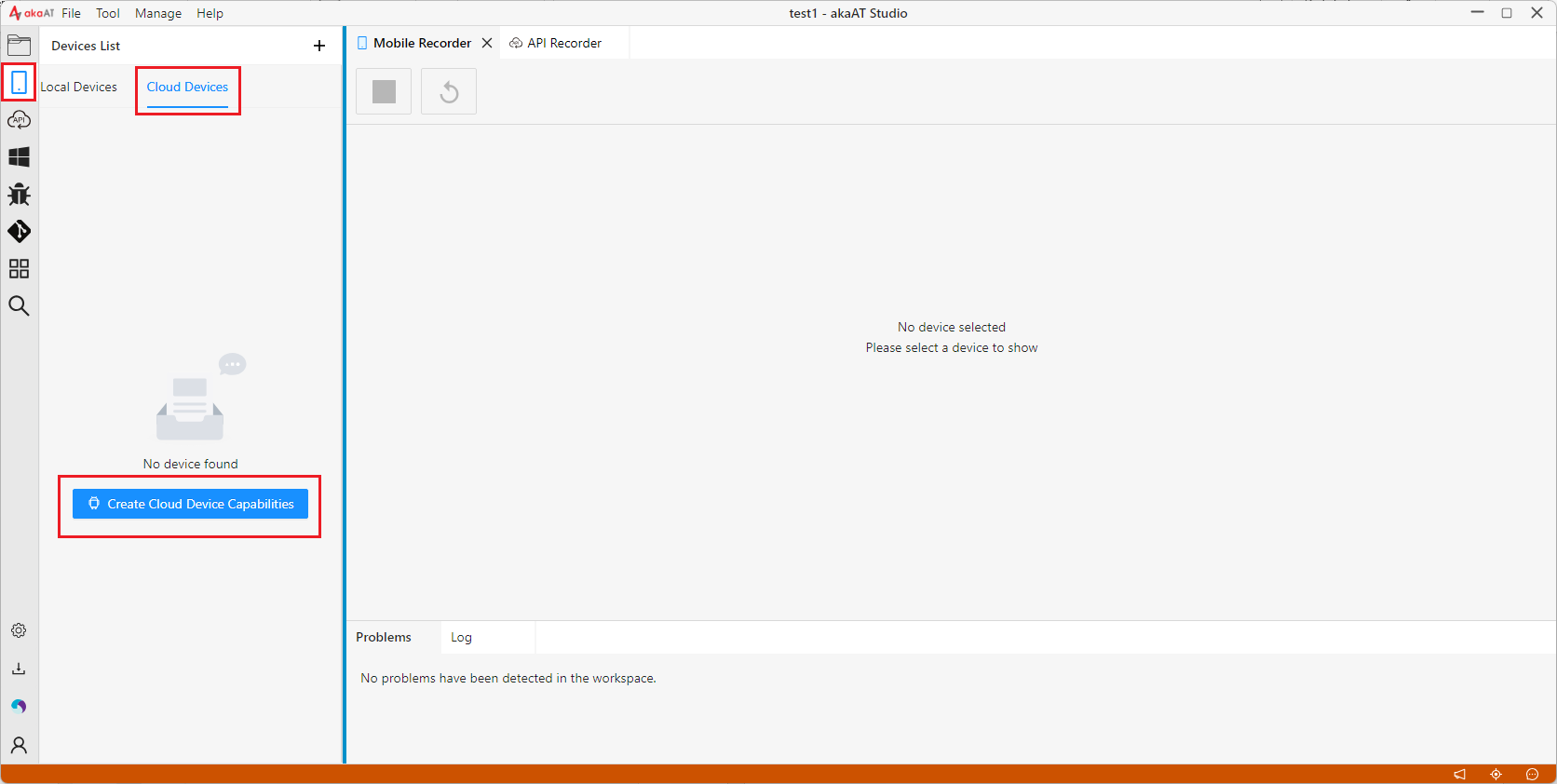
- 3. To connect to RTK device farm, best practice is to use akaAT mobile record feature. Create a new Cap file for each new device :
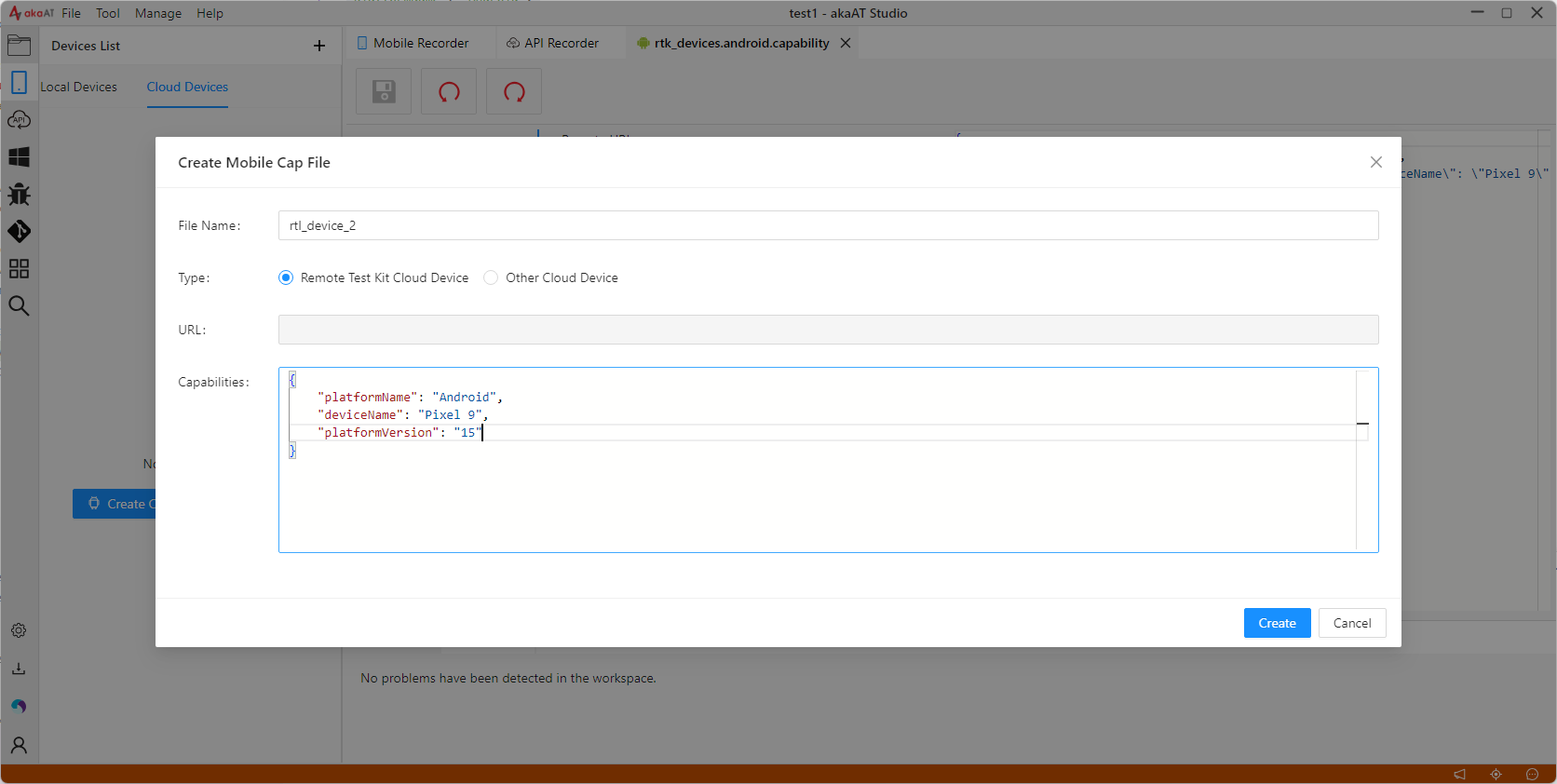
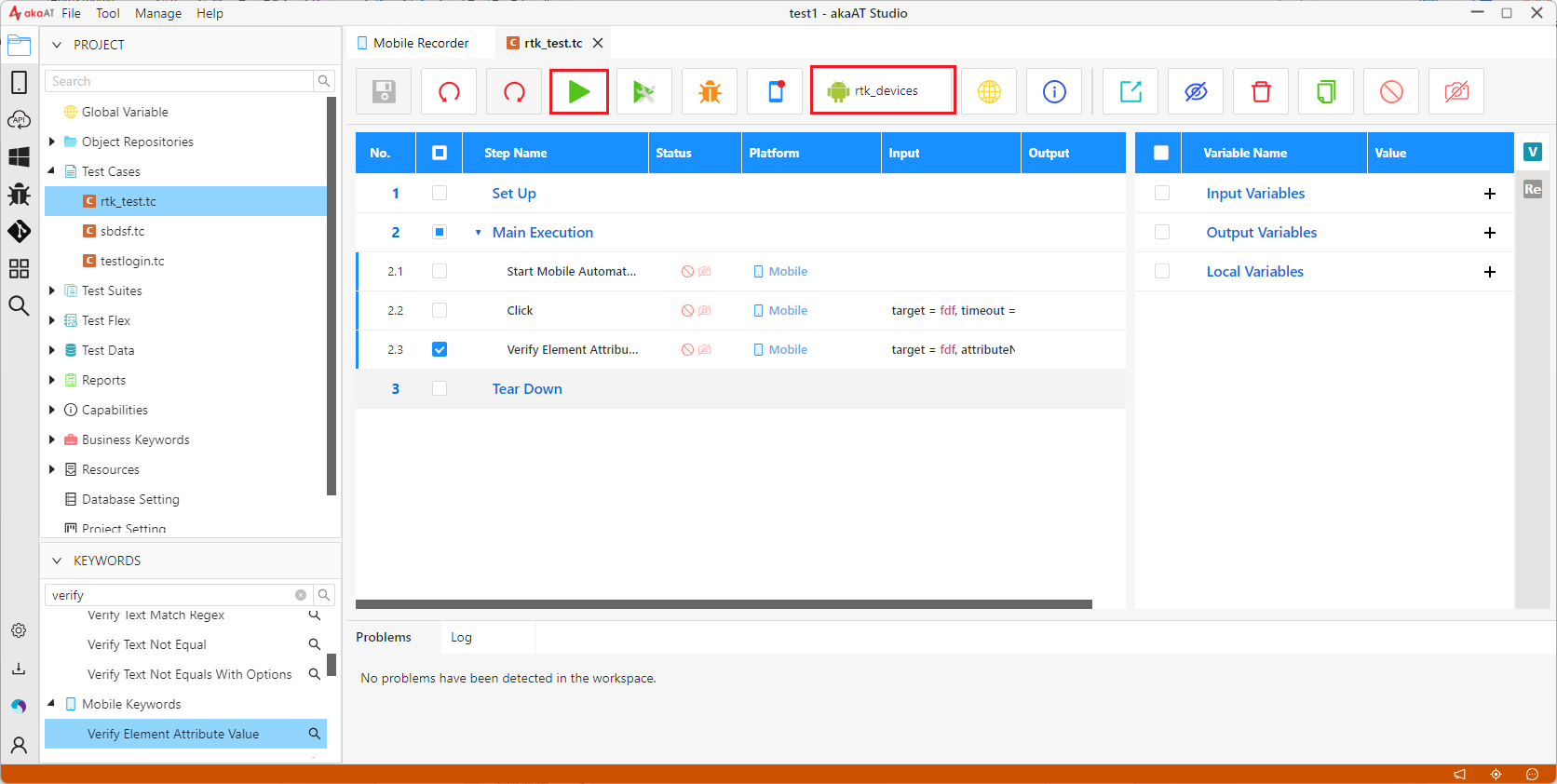
- 4. After RTK capabilities are created, you could use devices to create test case by record or execute test.