Text Test Cases
2.5.1. Definition
In addition to the drag-and-drop interface, akaAT Studio now supports a text-based test scripting option. Users can write scripts using simple code syntax. This feature offers an alternative for those who prefer coding while utilizing the same extensive keyword library for Web, Mobile, Windows, API, Database, Image, Core, Control, PDF, and Random actions.
There are five kinds of test cases:
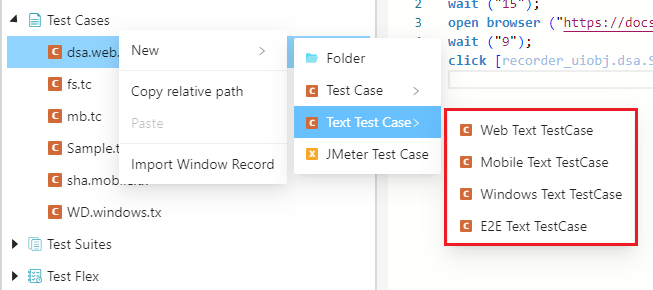
- "E2E Text Test Case" supports you to create and run scripts on multiple platforms
- "Web Text Test Case" supports you to create and run scripts on Web platform.
- "Mobile Text Test Case" supports you to create and run scripts on Mobile app.
- "Windows Text Test Case" supports you to create and run scripts for Windows app.
2.5.2. Screen description
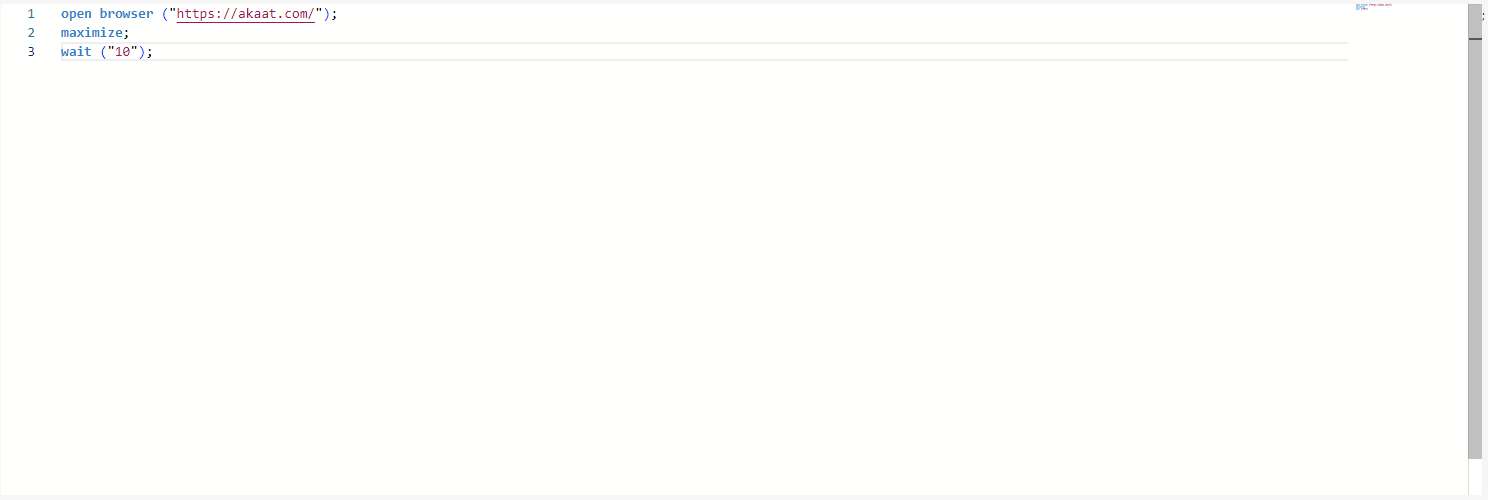
"Unlike a test case screen, a text test case is simply presented in a text editor format and numbered sequentially for each line."
2.5.3. Variable in Text Test Case
User set variable in text test case by using the syntax: variable {}; and the syntax set variable ("") => var_name; like this:
variable {
set variable ("") => name1; // set local variable
set variable ("") => INPUT.name1; // set input variable
set variable ("") => OUTPUT.name1; // set output variable
};
2.5.4 Tab(s) in Text Test Case
2.5.4.1. “Problems” tab
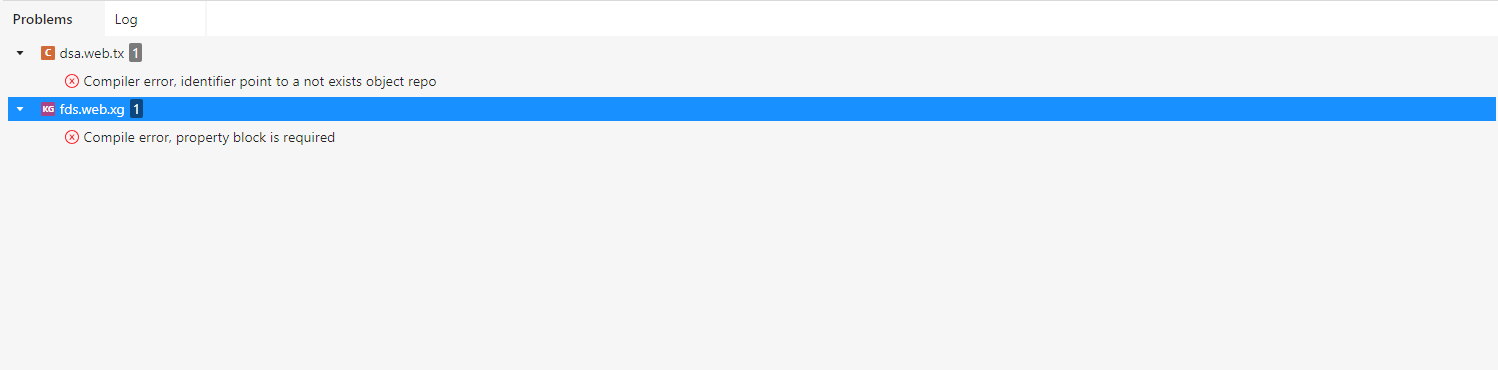
“Problems” Tab includes the information about the errors and warnings contained in the script.
2.5.4.2. “Log” tab
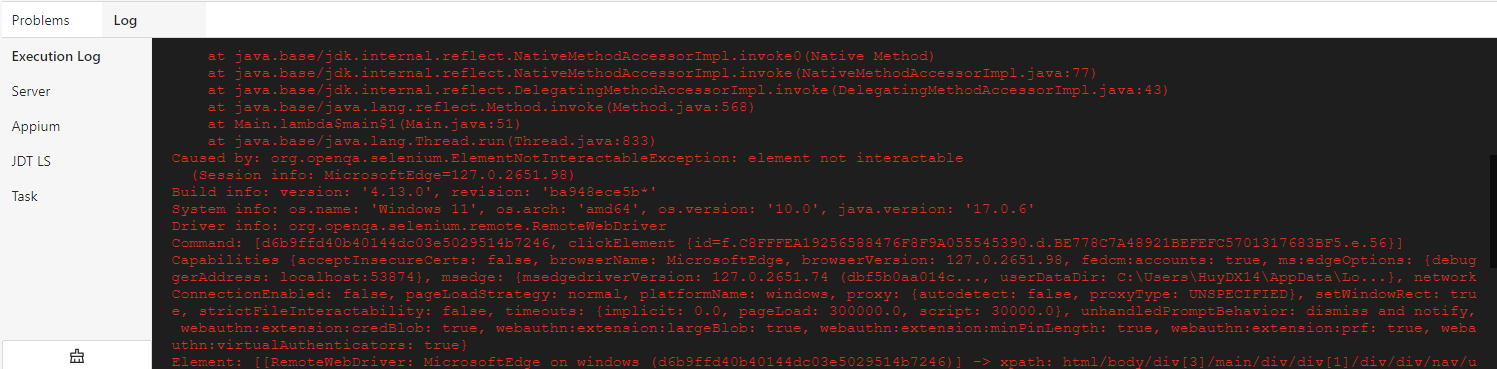
“Log” Tab includes information so that we can understand the real problems you face when using the tool. So, if you get errors/bugs while using the tool, please copy them to us and talk about how you did it.